Many different types of dissabilities exist. Here is a brief list of four common types,
as well as some suggestions to improve your web experience.
Auditory
Auditory issues are usually defined as individuals who are hard of hearing.
- Hard of hearing
- Deafness
- Deaf-blindess
Potential problems that may stem from some of the following:
- Auditory Content
- Multimedia Content
- Video without captions
- Non-alterable captions
- Web apps that rely on voice content
Fortunately, many tools exist to aid individuals with these issues
- Customizable captions for multimedia content
- Transcripts for audio content, like podcasts or videos
- Sign language alternatives for multimedia content
Cognitive
Cognitive dissabilities are disabibilities that include intellectual or cognitive deficits. Some examples are:
- ADHD
- Autism
- Intellectual or Learning Disability
- Memory impairments
Some things to watch out for on websites that may make it difficult for individuals with cognitive disabilities are:
- Complex or unintuitive page layouts
- Long passages of text
- Moving, blinking, flashing animations or other distracting content
A prominent solution to these issues are custom style sheets that simplify web page layouts, strip out unnecessary formatting and bring content to the front and center. Tools like Instapaper or Evernote's Clearly browser plugin are very simple version of this.
Physical Disabilities
Physical Disabilities stem from any one of the following:
- Missing limb or other body part
- Arthritis
- Muscular Dystrophy
- Tremors
Physical inputs are the priority when designing with individuals with physical disabilites. Here are some potential barriers:
- Sites that don't provide full navigation with the keyboard
- Time limits for forms or navigation
- Missing visual cues
- Complex navigation
For users who suffer from these issues, some solutions exist
- Text-to-speech software
- Eye tracking
- Customizing keyboard options
- Voice Recognition
Visual Disabilities
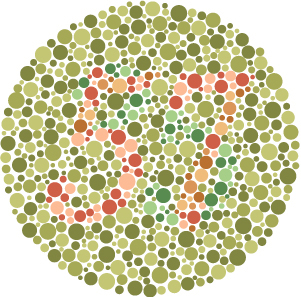
Visual disabilities stem from any one of the following:
- Low Vision
- No Vision
- Color Blindness
Some barriers can be:
- Images and navigation with no representative text
- Video content with no text alternative
- Inconsistent navigation
- Low Contrast Images
- No color descriptions
For users who suffer from these issues, some solutions exist
- Text-to-speech software
- Utalize audio descriptions for multimedia content
- Customizing keyboard options
- Customize colors, fonts, and spacing in your browser